What Streaming Service Is Actually Worth Your Money in 2026?

Subscription fatigue is real. You’re probably paying for at least two streaming platforms right now, watching the same three shows on repeat, and wondering if you’re actually getting your money’s worth. With prices climbing and libraries shrinking, choosing the best streaming service 2024 has become less about what’s popular and more about what actually fits your budget and viewing habits.
The best streaming service 2024 depends on your priorities. Netflix offers the biggest library but costs more. Disney+ bundles give family-friendly content at lower rates. HBO Max delivers premium shows for older teens. Spotify and YouTube Premium provide music plus video. Compare pricing tiers, shared account options, student discounts, and exclusive content before committing to any platform this year.
What actually makes a streaming service worth paying for
Price matters, but it’s not everything. A cheap subscription means nothing if you’re scrolling for 30 minutes without finding anything to watch.
Value comes down to three things. First, content that matches your interests. Second, pricing that fits your actual budget. Third, features like download options, ad-free viewing, and account sharing that make the experience better.
Most platforms now offer multiple tiers. Basic plans come with ads. Mid-tier removes commercials. Premium adds 4K streaming and extra screens. Knowing which tier you actually need saves money every month.
Student discounts exist for several services. Always check before paying full price. Some platforms bundle multiple services together, giving you more content for less money per month.
Breaking down the major platforms for 2024
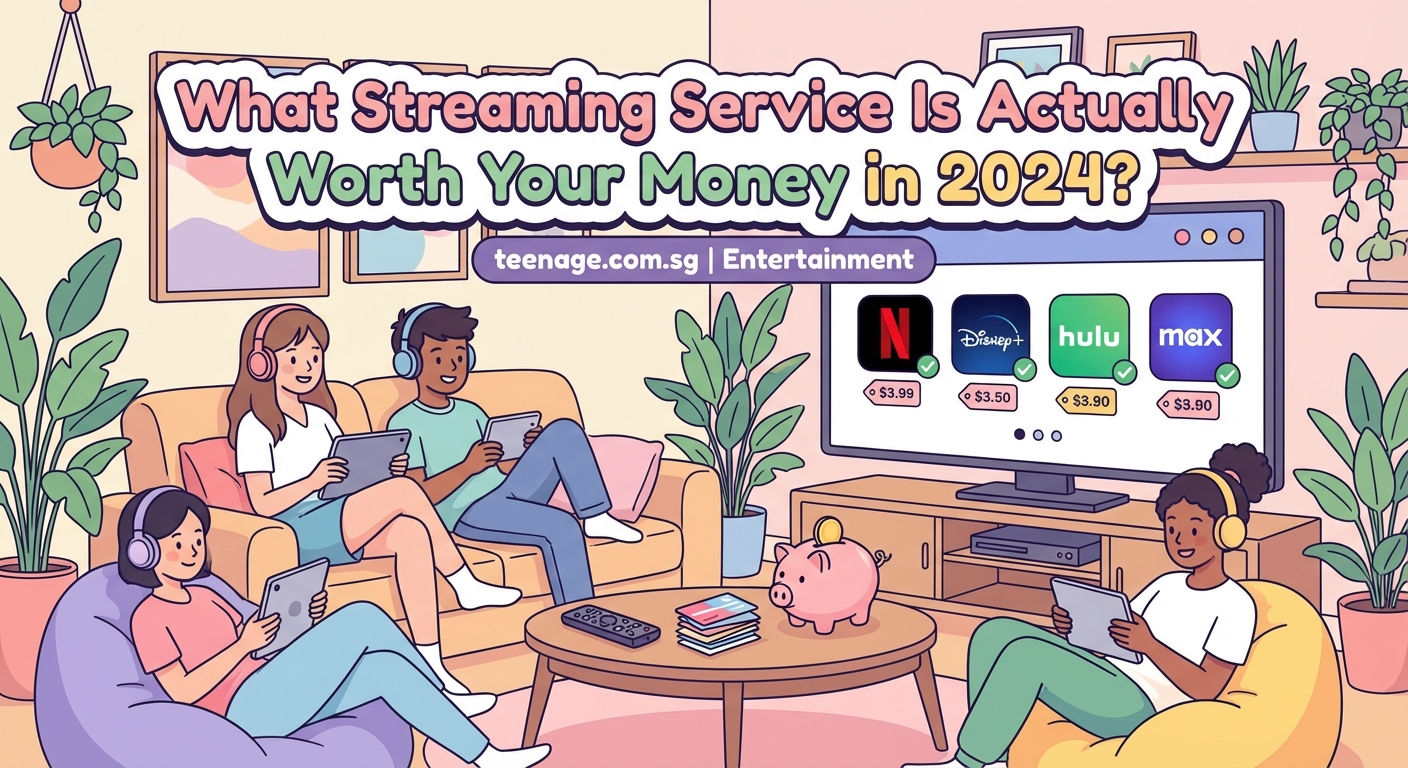
Netflix
Still the biggest name in streaming. Netflix has the largest content library, with everything from reality shows to international dramas. Their original series like Squid Game and Wednesday pull huge audiences.
Pricing starts around $6.99 for the ad-supported tier. Standard without ads runs about $15.49. Premium with 4K costs $19.99 monthly.
The platform works well for households sharing one account, though Netflix has been cracking down on password sharing outside your home. If you’re living in a dorm or splitting costs with friends in different locations, this could be a problem.
Content updates constantly. New shows drop weekly. The algorithm gets pretty good at recommending stuff you’ll actually watch. Download features let you save episodes for offline viewing during commutes or flights.
Disney+
Best for Marvel, Star Wars, Pixar, and classic Disney content. If you grew up with these franchises, Disney+ delivers serious nostalgia plus new releases.
Monthly cost sits around $7.99 with ads or $13.99 without. The bundle with Hulu and ESPN+ costs about $14.99, which is honestly the better deal if you want variety.
Family-friendly content dominates here. Great if you’re babysitting younger siblings or just want comfort viewing. Not ideal if you’re looking for edgier, mature content.
New Marvel shows and Star Wars series release throughout the year. The platform also gets theatrical releases after their cinema run, usually within a few months.
HBO Max (now Max)
Premium content aimed at older teens and adults. Max combines HBO’s prestige shows with Discovery’s reality programming and Warner Bros movies.
Pricing runs about $9.99 with ads or $15.99 without. The platform recently merged HBO Max with Discovery+, expanding the library significantly.
Shows like Euphoria, The Last of Us, and Succession attract huge followings. The quality bar sits higher than most platforms. Less content overall, but what’s there tends to be worth watching.
Max also includes same-day streaming for some Warner Bros theatrical releases, though this policy changes year to year.
Amazon Prime Video
Comes bundled with Amazon Prime membership, which costs about $14.99 monthly or $139 yearly. Students get Prime for half price, making this one of the best deals available.
The library mixes original content with licensed shows and movies. Quality varies wildly. Some originals like The Boys and Reacher perform well. Others disappear without anyone noticing.
Prime Video also offers channels you can add for extra fees. HBO, Showtime, and others integrate directly into the platform. Convenient if you want everything in one app.
Free shipping and other Prime benefits make this worthwhile even if you’re not watching much video content. The streaming service becomes a bonus rather than the main attraction.
YouTube Premium
Completely different from traditional streaming. YouTube Premium removes ads from all videos, includes YouTube Music, and allows background play on mobile.
Costs about $13.99 monthly. Student pricing drops to $7.99. Family plans let up to five people share for $22.99.
If you already spend hours watching YouTube creators, this makes sense. No more interruptions. Download videos for offline viewing. Support creators directly.
YouTube Music competes with Spotify and Apple Music. Decent library, good recommendations, integrates with regular YouTube for music videos and live performances.
Spotify (with video content)
Primarily a music platform, but Spotify now includes video podcasts and some exclusive video content. Premium costs $10.99 monthly, with student plans at $5.99.
Not really a video streaming service in the traditional sense. But if you’re already paying for music, the video features add value without extra cost.
Great for podcast listeners who want video versions of their favorite shows. Joe Rogan, Call Her Daddy, and others offer video alongside audio.
How to choose based on your actual viewing habits
Start by tracking what you actually watch for two weeks. Not what you think you watch. What you genuinely spend time viewing.
- Write down every show or movie you start watching
- Note which platform it’s on
- Check if you finish what you start or just scroll
- Calculate how many hours you spend on each service
- Compare that usage to what you’re paying monthly
This exercise reveals patterns. Maybe you’re paying for three services but only using one regularly. Maybe you watch more YouTube than Netflix. Maybe you binge one show per platform then ignore it for months.
Your habits should drive your subscriptions, not the other way around.
Student discounts and bundle deals that actually save money
Never pay full price if you’re a student. Most platforms offer education discounts with verification through services like UNiDAYS or SheerID.
Spotify bundles with Hulu and Showtime for students at $5.99 total. That’s three services for less than the cost of one standard subscription.
Amazon Prime Student costs half the regular price and includes Prime Video plus all other Prime benefits.
Apple offers Apple One bundles combining Music, TV+, Arcade, and iCloud storage. Student pricing makes this affordable if you’re already in the Apple ecosystem.
Check your school email for special offers. Some universities partner with streaming services for additional discounts or free trials.
Sharing accounts without getting banned
Platform policies on account sharing have gotten stricter. Netflix now charges extra for users outside your household. Disney+ and others are following suit.
Legal sharing options still exist. Most services allow multiple profiles under one account. Family plans cost more but support several users legitimately.
If you’re splitting costs with roommates in the same location, you’re usually fine. Problems arise when people share across different cities or countries.
Some students rotate subscriptions with friends. One person pays for Netflix, another for Disney+, another for HBO Max. Everyone shares their login. This violates terms of service but happens frequently.
The risk is losing access if platforms crack down. Decide if saving money is worth potentially getting accounts suspended.
Free alternatives that don’t completely suck
Not everything requires a subscription. Several free platforms offer decent content with ads.
Tubi has thousands of movies and shows. Completely free, ad-supported. Library includes older titles and some hidden gems. Interface isn’t as polished as paid services, but the price is right.
Pluto TV streams live channels and on-demand content. Free with ads. Good for background viewing or discovering random shows.
YouTube itself offers tons of free content beyond creator videos. Full movies, documentaries, and classic TV shows appear regularly. Legal uploads from studios and networks.
Your local library might offer free streaming through services like Kanopy or Hoopla. Check your library card benefits. These platforms include indie films, documentaries, and classic cinema.
If you’re looking for entertainment options that won’t wreck your wallet, free streaming can fill gaps between paid subscriptions.
When to subscribe and when to cancel
Binge culture makes rotating subscriptions smarter than paying year-round. Subscribe when a show you want drops. Watch everything you care about. Cancel before the next billing cycle.
Most platforms allow immediate cancellation with access through the end of your paid period. Set a calendar reminder to cancel a day before renewal.
This works especially well for platforms with limited content that interests you. Subscribe to HBO Max for one month. Watch the new season of your favorite show plus anything else that looks good. Cancel. Come back in six months when more content accumulates.
Annual plans save money if you know you’ll use a service constantly. Monthly flexibility costs more but prevents paying for unused subscriptions.
Black Friday and holiday sales often discount annual plans significantly. If you’re committed to a platform, waiting for these deals makes sense.
What the pricing changes mean for your budget
Streaming costs keep rising. Netflix has increased prices multiple times. Disney+ raised rates after launching. Ad-supported tiers represent the new “basic” option.
The average person now pays more for streaming than cable cost a decade ago. Multiple subscriptions add up faster than you think.
Calculate your total monthly streaming spend. Include music services, video platforms, and any add-on channels. That number might shock you.
Setting a hard budget helps. Decide the maximum you’ll spend on entertainment monthly. Choose services that fit within that limit. Rotate others as needed.
Some months you might prioritize music over video. Other months a new show justifies switching platforms. Flexibility prevents overspending while maintaining access to content you care about.
Content libraries change constantly
Shows and movies disappear from platforms regularly. Licensing deals expire. Content moves to different services. Your favorite series might vanish without warning.
This makes choosing based on current content risky. A platform’s library today might look completely different in six months.
Focus on platforms that produce original content you enjoy. Those shows won’t disappear suddenly. Licensed content is temporary by nature.
Check what’s leaving each month before committing to a new subscription. Platforms usually announce departures. If the show you wanted just left, subscribing makes no sense.
Why we’re all obsessed with rewatching the same shows partly explains why having access to comfort content matters more than constantly chasing new releases.
Platform features that actually matter
Video quality matters if you have a good screen. 4K looks noticeably better on newer TVs and monitors. On a laptop or phone, the difference shrinks.
Download options are essential for commuters or travelers. Being able to watch offline during flights or on public transit without burning mobile data saves money and frustration.
Multiple profiles keep your recommendations separate from roommates or family. Your algorithm stays clean, showing you content you actually want.
Parental controls matter if younger siblings use the account. Most platforms offer kid-friendly modes that filter content.
Simultaneous streams determine how many people can watch at once. Basic plans usually limit to one screen. Higher tiers allow two to four concurrent streams.
Interface design affects how easily you find content. Some platforms make browsing intuitive. Others bury good shows under terrible recommendation algorithms.
Comparing value across different content types
| Platform | Best For | Monthly Cost | Student Discount | Key Weakness |
|---|---|---|---|---|
| Netflix | Variety, originals | $15.49 | No | Price increases |
| Disney+ | Family content, Marvel | $7.99 | No | Limited mature content |
| HBO Max | Premium shows | $15.99 | No | Smaller library |
| Prime Video | Bundle value | $14.99 | Yes (50% off) | Inconsistent quality |
| YouTube Premium | Creators, music | $13.99 | Yes ($7.99) | Not traditional streaming |
| Spotify Premium | Music, podcasts | $10.99 | Yes ($5.99) | Limited video |
This table shows basic comparisons, but your personal value calculation depends on what you actually watch.
The reality of ad-supported tiers
Cheaper plans with commercials sound appealing until you experience them. Ad breaks interrupt shows at awkward moments. The same commercials repeat constantly. Some content remains unavailable on ad-supported tiers.
For background viewing or shows you’re not deeply invested in, ads are tolerable. For binge-watching a series you love, they become incredibly annoying.
Ad frequency varies by platform. Some show one minute of ads per hour. Others interrupt every 10 minutes. Read reviews before committing to ad-supported plans.
The price difference between ad and ad-free tiers usually sits around $5-7 monthly. Calculate if your time and attention are worth that amount. Often they are.
“The best streaming service isn’t the one with the most content. It’s the one you actually use regularly without feeling like you’re wasting money.”
Making the decision for your situation
Your perfect streaming setup depends on factors nobody else can determine. Your budget, viewing habits, content preferences, and sharing situation all play roles.
Start with one or two services maximum. See how much you actually use them. Add more only if you’re consistently running out of content.
Prioritize platforms with student discounts if you’re eligible. The savings add up significantly over a year.
Consider bundles that combine services you already wanted. Spotify with Hulu makes more sense than paying for each separately.
Remember that canceling is always an option. No streaming service deserves loyalty if it’s not delivering value for your money.
If you’re also trying to manage your budget across other areas like food, treating streaming subscriptions as flexible expenses rather than fixed costs helps maintain financial control.
Finding what works for you this year
The best streaming service 2024 isn’t universal. It’s personal. What works for your roommate might not work for you. What entertainment blogs recommend might not match your actual viewing patterns.
Track your usage honestly. Cut services you’re not using. Take advantage of discounts available to you. Rotate subscriptions based on what’s currently releasing content you care about.
Streaming should enhance your downtime, not drain your bank account. Choose platforms that deliver genuine value for your situation. Everything else is just noise.
Start with one service this month. Use it consistently. Evaluate if it’s worth the cost. Build from there based on what you actually need, not what everyone else is watching.





Post Comment