Is Your Phone Listening to You? The Truth About Privacy and Social Media Apps
You mention wanting new sneakers to your friend during lunch. No searches. No texts about it. Just a conversation. Then you open Instagram and boom, sneaker ads everywhere. Creepy, right?
Your phone probably isn’t actively recording your conversations, but apps collect massive amounts of data through your browsing history, location, contacts, and online behavior. This sophisticated tracking creates the illusion of listening. While voice activation exists for specific features, the real privacy concern comes from how apps piece together your digital footprint to predict your interests with scary accuracy.
What’s really happening when ads feel too personal
Most people think their phone is secretly recording every word. The truth is way more complex and honestly, more invasive.
Apps don’t need to listen to your voice when they already know where you go, what you search, who you talk to, and what you buy. That data creates a detailed profile of you.
Your phone knows you went to three shoe stores last week because of location tracking. It knows your friend just bought sneakers because you’re connected on social media. It knows you’re 19 because of your birthday in your profile.
Put all that together and the algorithm doesn’t need to hear you say “sneakers” out loud. It already predicted you’d want them.
The technology behind targeted advertising
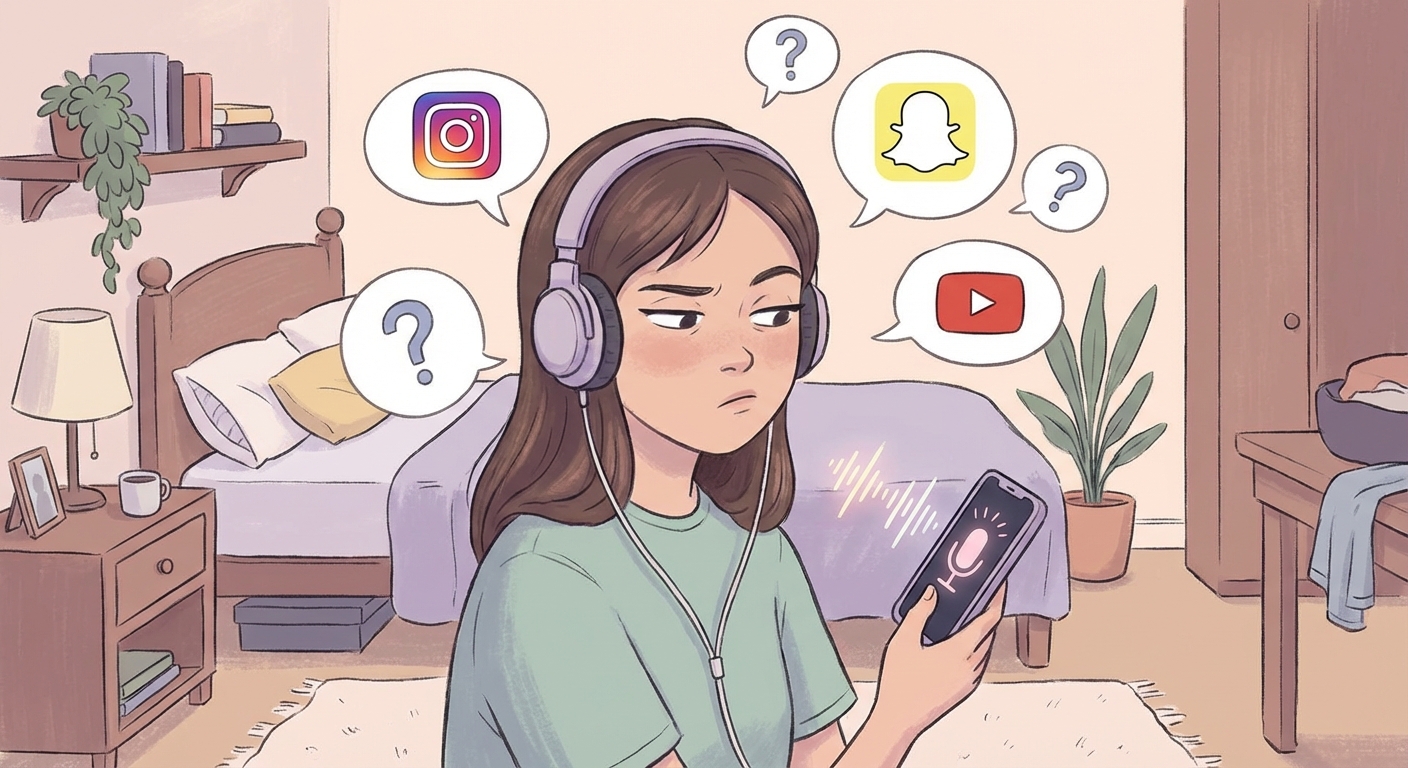
Social media apps use something called predictive algorithms. These systems analyze thousands of data points about you every single day.
Here’s what they track:
- Every app you open and how long you use it
- Every website you visit, even outside the app
- Your location history down to specific stores
- Who you message and how often
- What posts you like, share, or comment on
- What you watch and for how long
- Your contacts and their interests
- Your purchase history across linked accounts
The algorithm connects these dots faster than you can imagine. It knows your patterns better than you do.
When you see an ad that feels like your phone was listening, it’s actually the algorithm making an educated guess based on your behavior. And it’s usually right.
Can apps actually record your voice?
Yes, but not in the way most people think.
Apps can only access your microphone when you give them permission. Check your phone settings right now. You’ll see which apps have microphone access.
Voice assistants like Siri, Google Assistant, and Alexa do listen for wake words. That’s how they know when you’re talking to them. But they’re supposed to only start recording after hearing their trigger phrase.
The problem? These systems aren’t perfect. Sometimes they activate by accident. A 2019 study found that smart speakers can activate up to 19 times per day without the wake word being said.
But here’s the thing. Recording and processing audio takes a lot of battery power and data. If an app was constantly recording you, your phone would die in hours and your data usage would skyrocket.
Security researchers have tested this repeatedly. They haven’t found evidence of apps secretly recording conversations at scale.
The real issue isn’t recording. It’s all the other data collection happening with your full permission.
How to check if your phone is actually listening
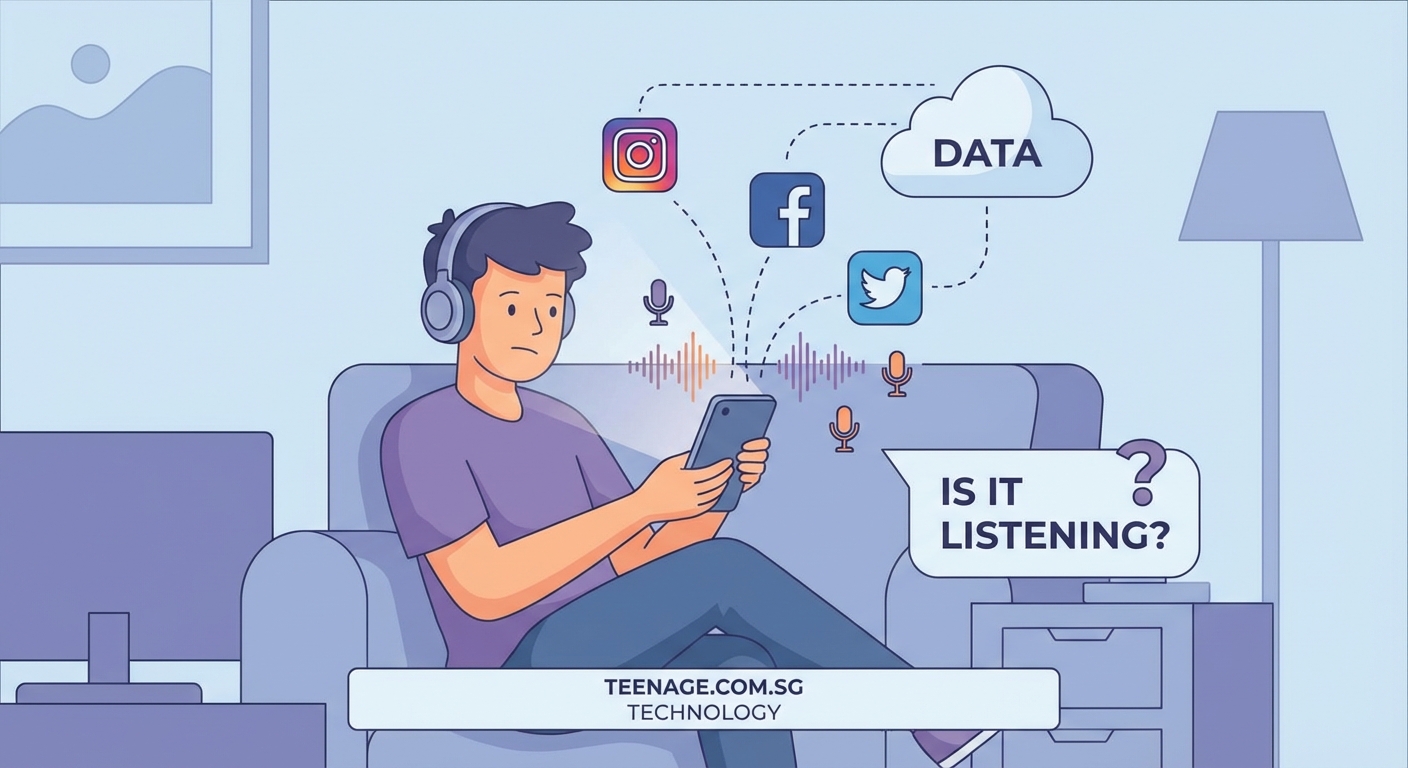
Follow these steps to audit your privacy settings:
- Open your phone’s main settings app
- Find the privacy or permissions section
- Tap on microphone access
- Review every app that has permission
- Disable access for apps that don’t need it
- Check your location permissions the same way
- Review which apps can access your contacts
- Look at camera permissions too
Remove permissions from any app that doesn’t absolutely need them to function. A shopping app doesn’t need your microphone. A game doesn’t need your location.
Most people never check these settings after installing apps. That’s exactly what companies count on.
“Users grant permissions without reading them, and apps collect far more data than necessary for their core functions. The surveillance economy depends on this gap between what users think they’re sharing and what’s actually being collected.” – Privacy researcher at a major university
The difference between listening and tracking
Understanding what data companies actually collect helps you protect yourself better. Here’s a breakdown:
| Collection Method | What It Does | How Invasive | Easy to Stop |
|---|---|---|---|
| Microphone recording | Captures audio directly | Very high | Yes, disable mic access |
| Search history | Tracks what you look up | High | Moderate, use private browsing |
| Location tracking | Follows where you go | Very high | Yes, disable location |
| Contact scanning | Reads your address book | High | Yes, deny contact access |
| Browsing pixels | Monitors websites you visit | Moderate | Hard, need ad blockers |
| App usage patterns | Records how you use apps | Moderate | Very hard to prevent |
| Social connections | Maps who you know | High | Hard, requires deleting accounts |
The bottom line? Tracking through your digital behavior is way more effective than audio recording. And it’s completely legal because you agreed to it in the terms of service.
Companies would rather track your clicks than your conversations. It’s cheaper, more reliable, and gives them better data.
Apps that collect the most data about you
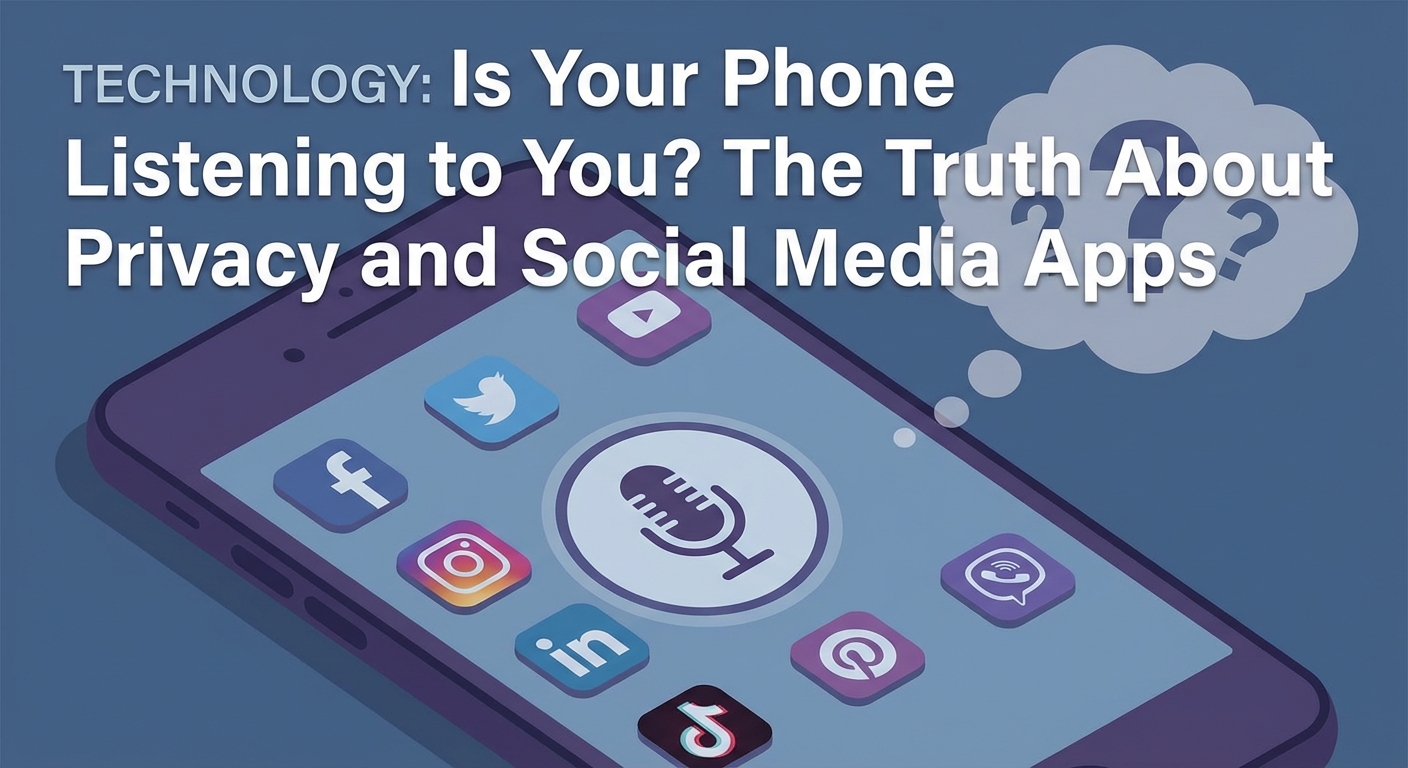
Not all apps are equal when it comes to privacy. Some are data collection machines disguised as social platforms.
Facebook and Instagram top the list. They track you across other websites and apps, even when you’re not using them. The Facebook pixel appears on millions of websites, watching what you browse and buy.
TikTok collects everything from your keystroke patterns to your clipboard contents. It knows what you copy and paste on your phone.
Shopping apps like Amazon and retail store apps track your location to see which competitors you visit. They build profiles of your shopping habits across stores.
Even apps that seem innocent collect tons of data. That flashlight app probably doesn’t need access to your contacts, location, and camera. But many people grant those permissions anyway.
Free apps especially rely on data collection to make money. If you’re not paying for the product, you are the product. Your attention and data get sold to advertisers.
The apps you use most are probably the ones collecting the most information. They have more opportunities to track your behavior because you open them constantly.
Real privacy risks you should worry about
Forget the listening conspiracy theories. Here are the actual privacy problems affecting you right now:
Data breaches expose your information. Companies get hacked constantly. Your email, password, phone number, and address end up for sale on the dark web.
Third party data sharing happens without your knowledge. Apps sell your data to data brokers. These companies you’ve never heard of have detailed profiles about you.
Location history reveals sensitive information. Your location data can show where you live, work, go to school, and hang out. It can reveal your routine down to the minute.
Social connections get exploited. Apps don’t just track you. They track everyone you know and use those connections to build shadow profiles.
Behavioral data predicts your future actions. Algorithms can predict when you’ll make major life changes before you consciously decide. They know when you’re about to move, change jobs, or make big purchases.
These risks are real and happening right now. They don’t require conspiracy theories about secret recording. The actual data collection is invasive enough.
Steps to actually protect your privacy
You can’t completely avoid tracking unless you throw your phone away. But you can make it way harder for apps to build detailed profiles about you.
Start with the basics:
- Turn off ad personalization in your phone settings
- Use private browsing mode for sensitive searches
- Clear your cookies and cache regularly
- Disable location access except when actively using navigation
- Review app permissions monthly
- Delete apps you don’t use anymore
- Use different email addresses for different services
More advanced protection includes using a VPN to hide your browsing activity and installing ad blockers to prevent tracking pixels from loading. These tools make a real difference.
Consider alternatives to the biggest data collectors. Signal instead of WhatsApp. DuckDuckGo instead of Google. Firefox instead of Chrome.
Read app permissions before installing anything new. If a simple game wants access to your contacts, microphone, and location, that’s a red flag.
Turn off voice assistants when you’re not using them. You can activate them manually instead of having them always listening for wake words.
Use two factor authentication everywhere. When your accounts do get breached, this extra layer protects you.
What companies actually say about data collection
Tech companies have gotten better at being transparent about data collection. Mostly because laws now require it.
Apple’s privacy labels show what data each app collects before you download it. Look for these labels in the App Store.
Google’s privacy dashboard lets you see and delete your activity history. You can turn off ad personalization and location tracking.
Facebook’s ad preferences show why you’re seeing specific ads. It reveals the data points advertisers used to target you.
These transparency features exist because of privacy laws like GDPR in Europe and CCPA in California. Companies had to give users more control or face massive fines.
But transparency doesn’t mean they collect less data. It just means you can see what they’re taking. Most people never check these settings or dashboards.
The terms of service you agreed to without reading gave these companies permission to collect all this data. They’re not breaking rules. They wrote the rules.
Why the listening myth persists
People keep believing their phones listen to them because the alternative is scarier. It’s easier to imagine a simple conspiracy than to understand how sophisticated tracking really works.
The coincidences feel too perfect. You talk about something and immediately see ads for it. Your brain looks for simple explanations.
But confirmation bias plays a huge role. You notice the times ads match your conversations but ignore the thousands of ads that have nothing to do with anything you said.
The algorithm shows you so many ads every day that some will randomly match recent conversations just by chance. When that happens, it sticks in your memory.
Tech companies benefit from this myth too. As long as people focus on microphone access, they don’t pay attention to the much more invasive tracking happening through their behavior data.
The truth is more complex and harder to explain than “your phone is listening.” But understanding the real tracking methods helps you actually protect yourself.
Common mistakes that expose your data
Even privacy conscious people make these errors:
Using the same password everywhere. When one account gets breached, hackers can access all your accounts. Use a password manager to create unique passwords for every service.
Staying logged into social media all the time. This lets those companies track your browsing across the entire internet. Log out when you’re done using the app.
Ignoring app updates. Updates often include security patches. Old app versions have known vulnerabilities that hackers exploit.
Connecting to public WiFi without protection. Anyone on that network can potentially see your activity. Use a VPN on public networks.
Posting your location in real time. Sharing where you are right now tells everyone where you’re not. Wait until after you leave to post location tagged content.
Accepting all cookies without reading them. Some cookies are necessary. Others are pure tracking. Most websites let you customize which ones you accept.
Using social login for other apps. Signing in with Facebook or Google gives those companies data about every app you use. Create separate accounts instead.
Not using screen locks. If someone gets physical access to your unlocked phone, all your privacy settings become useless. Always use a PIN, password, or biometric lock.
These mistakes are easy to fix once you know about them. Small changes add up to much better privacy protection.
The future of privacy and tracking
Technology keeps getting better at tracking you. But privacy protection is improving too.
Apple introduced App Tracking Transparency, forcing apps to ask permission before tracking you across other apps. Most users say no, which has hurt advertising companies badly.
Google plans to phase out third party cookies in Chrome. This will change how advertisers track you across websites.
Privacy focused alternatives are growing. Browsers like Brave block trackers by default. Search engines like DuckDuckGo don’t save your searches.
But AI makes targeting more effective with less data. Companies can predict your interests from smaller data sets. The tracking might become invisible even as it gets more accurate.
New laws keep passing that give users more control. But enforcement is slow and companies find loopholes.
The biggest change might come from younger generations who grew up understanding these issues. They’re more careful about what they share and more willing to switch platforms over privacy concerns, similar to how they approach what your daily screen time says about your mental health.
The battle between privacy and profit isn’t going away. Understanding how tracking really works helps you make informed choices about which tradeoffs you’re willing to accept.
Taking back control of your digital life
Your phone probably isn’t listening to your conversations. But it’s definitely watching everything you do online.
That’s actually worse because it’s legal, constant, and incredibly detailed. The good news? You have more control than you think.
Start small. Check your app permissions today. Turn off location access for apps that don’t need it. Review what data Google and Facebook have collected about you.
These simple steps won’t make you invisible online. But they’ll make the surveillance less invasive and give you back some control over your personal information.
The creepy ads will probably keep coming. Algorithms are too good at predicting what you want. But at least you’ll understand how they work instead of imagining your phone is secretly recording you.
Privacy matters. Not because you have something to hide, but because you deserve control over your own information. Take a few minutes this week to tighten your settings. Your future self will thank you.














Post Comment