How to Build a LinkedIn Profile That Makes Recruiters Actually Notice You

You’ve spent hours scrolling through job postings, hitting “Apply” on what feels like hundreds of listings, and still hearing nothing back. Meanwhile, your friend just landed an interview because a recruiter found them on LinkedIn. What gives? The truth is, most people treat LinkedIn like a digital resume they upload once and forget. But recruiters are actively searching the platform every single day, and if your profile isn’t optimized, you’re basically invisible to them.
Getting recruiters to notice you on LinkedIn requires more than just having a profile. You need a professional photo, a keyword-rich headline, a detailed experience section, active engagement with content, and strategic use of skills and endorsements. Recruiters use specific search filters, so optimizing every section of your profile increases your visibility. Consistency matters more than perfection, and small weekly updates can keep you on their radar.
Why recruiters search LinkedIn instead of job boards
Recruiters prefer LinkedIn because it lets them find passive candidates who aren’t actively applying.
They use Boolean searches and filters to narrow down thousands of profiles based on specific skills, locations, and experience levels.
If your profile is incomplete or lacks the right keywords, you won’t show up in their searches.
Think of it like SEO for your career. You’re competing with everyone else in your field, and the algorithm decides who gets seen first.
The good news? Most people don’t optimize their profiles properly, so even small improvements can give you a huge advantage.
Your profile photo and banner actually matter
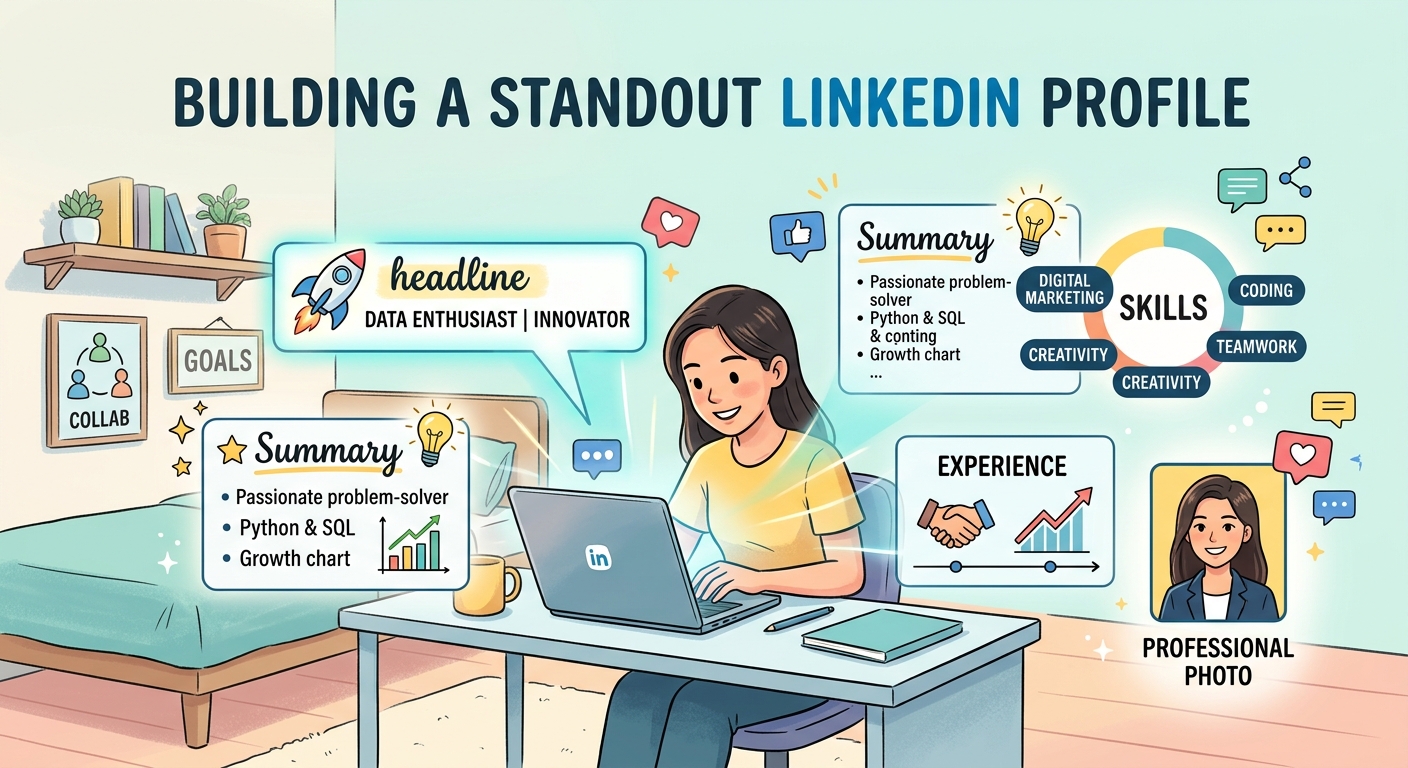
First impressions happen in seconds.
Recruiters will skip over profiles without a professional photo because it signals you’re not serious about your career.
You don’t need a fancy photoshoot. Just use a clean, well-lit photo where you’re dressed like you would for an interview.
Smile. Look approachable. Avoid cropped group photos or pictures with sunglasses.
Your banner image is prime real estate that most people waste. Instead of leaving it blank or using a generic stock photo, create a custom banner that shows your industry, skills, or personal brand.
Canva has free templates specifically for LinkedIn banners. It takes five minutes and makes your profile look intentional.
Your headline is the most important line on your profile
Your headline appears in every search result, connection request, and comment you make.
Most people just put their job title, which is a missed opportunity.
Instead, use this formula: [Your Role] | [What You Do] | [Who You Help or What You’re Looking For]
Here are some examples:
- Marketing Student | Content Creator & Social Media Strategist | Open to Internships
- Data Analyst | Helping Companies Make Better Decisions Through Analytics | Actively Seeking Roles
- Graphic Designer | Branding & Visual Storytelling for Small Businesses | Available for Freelance Work
Notice how each one includes keywords recruiters might search for and makes it clear what you do and what you want.
You have 220 characters. Use them.
How to write an about section that gets read
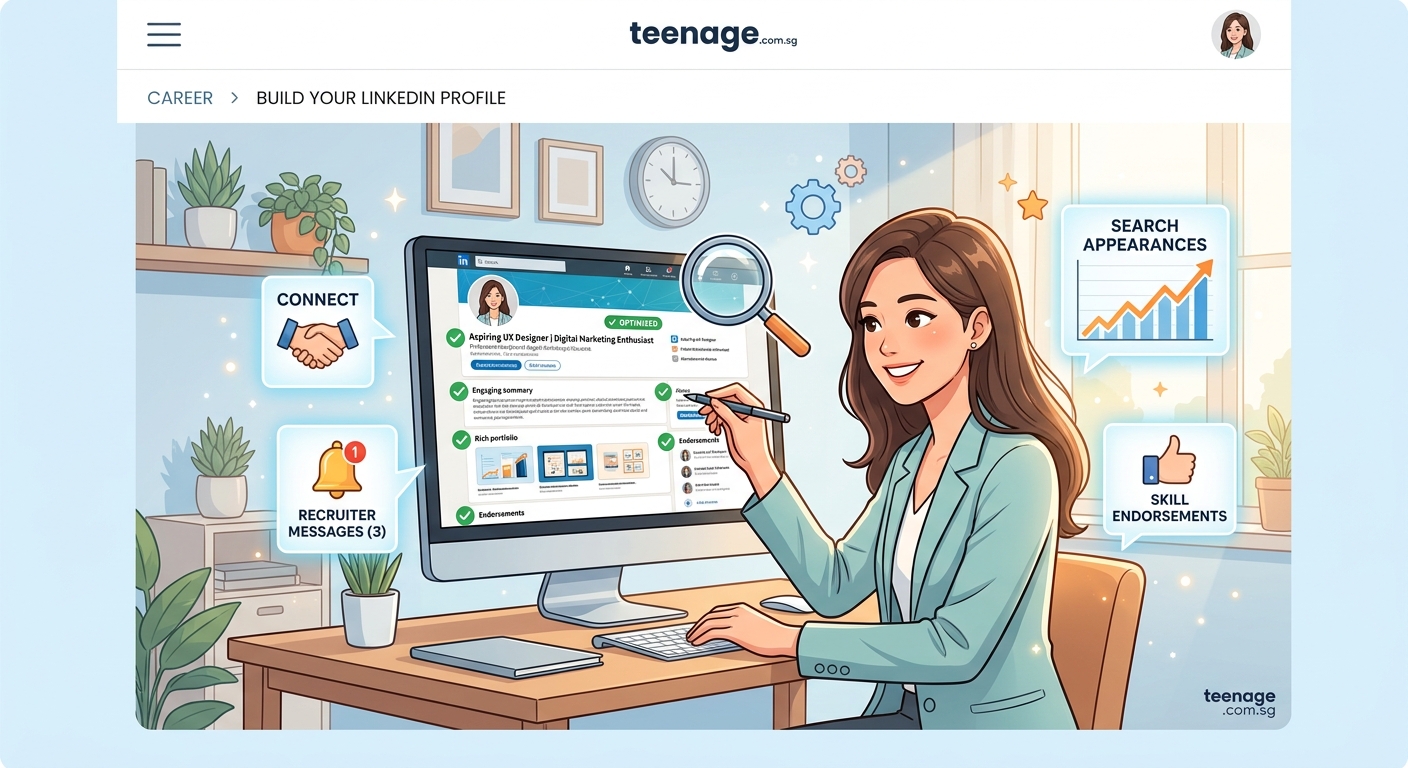
Your about section should answer three questions:
- Who are you?
- What do you do?
- What are you looking for?
Start with a hook. Don’t begin with “I am a recent graduate with a passion for…” because recruiters have read that a thousand times.
Instead, try something like: “I’ve spent the last two years building social media campaigns that generated over 50,000 impressions for local businesses.”
Then explain your background, your skills, and what kind of opportunities you’re after.
Use short paragraphs. Break up the text so it’s easy to scan.
Include relevant keywords naturally. If you’re in marketing, mention things like “content strategy,” “SEO,” “campaign management,” and “analytics.”
End with a call to action. Something like: “I’m currently looking for full-time roles in digital marketing. Feel free to reach out if you’d like to connect.”
“Recruiters spend an average of six seconds scanning a LinkedIn profile before deciding whether to reach out. Your about section needs to grab attention immediately and make it clear what value you bring.”
Your experience section needs more than job titles
This is where most people just copy-paste their resume, which is a mistake.
LinkedIn gives you more space and flexibility. Use it.
For each role, include:
- A brief description of the company or project
- Specific accomplishments with numbers
- Skills you used or developed
- Media like presentations, articles, or project screenshots
Instead of writing “Managed social media accounts,” write “Grew Instagram following by 300% in six months through consistent content strategy and engagement tactics.”
Numbers matter. They give recruiters a sense of your impact.
If you’re a student or recent grad without much work experience, include relevant coursework, projects, volunteer work, and extracurriculars.
Recruiters care more about what you can do than where you’ve been.
Skills and endorsements are how recruiters filter candidates
LinkedIn lets you add up to 50 skills, but only the top three show up prominently on your profile.
Choose those three carefully based on what recruiters in your field are searching for.
If you’re in tech, prioritize programming languages or tools. If you’re in marketing, focus on things like “content marketing,” “Google Analytics,” or “copywriting.”
Ask friends, classmates, or coworkers to endorse your skills. The more endorsements you have, the higher you rank in search results.
Return the favor and endorse others. It’s a simple way to stay visible and build goodwill.
How to use keywords without sounding like a robot
Recruiters search for specific terms, so you need to include them in your profile.
But don’t just stuff keywords everywhere. It looks unnatural and turns people off.
Instead, weave them into your headline, about section, job descriptions, and skills list.
If you’re not sure what keywords to use, look at job postings in your field. Notice which terms appear over and over? Those are the ones you should include.
For example, if you’re applying for data analyst roles and every posting mentions “SQL,” “Python,” and “data visualization,” make sure those appear multiple times across your profile.
You can also check profiles of people in roles you want. See what skills they list and how they describe their experience.
The power of recommendations and how to get them
Recommendations are like Yelp reviews for your career.
They add credibility and give recruiters a sense of what it’s like to work with you.
Most people have zero recommendations, so even one or two will set you apart.
Don’t be shy about asking. Reach out to former managers, professors, or teammates and say something like:
“Hey, I’m updating my LinkedIn profile and would really appreciate it if you could write a brief recommendation about our time working together on [specific project]. Happy to return the favor!”
Make it easy for them by reminding them of specific accomplishments or projects you worked on together.
When you receive a recommendation, always write one back. It’s good karma and keeps your network strong.
Why you need to post and engage regularly
LinkedIn is a social network, not a static resume.
Recruiters notice profiles that are active because it signals you’re engaged in your industry.
You don’t need to post every day, but aim for at least once a week.
Share articles, comment on posts, celebrate wins, or write about something you learned recently.
Here are some easy content ideas:
- A lesson you learned from a recent project
- A book or podcast recommendation related to your field
- A behind-the-scenes look at your work or studies
- A question that sparks discussion in your industry
Engagement matters just as much as posting. Comment thoughtfully on other people’s content, especially from people in your field or companies you want to work for.
Recruiters often check who’s engaging with their company’s posts. It’s a low-key way to get on their radar.
How to connect with recruiters without being awkward
Don’t just hit “Connect” without a message. That’s lazy and forgettable.
Instead, send a personalized note. Keep it short and specific.
Here’s a template:
“Hi [Name], I saw that you recruit for [company or industry] and I’m really interested in opportunities in [specific area]. I’d love to connect and learn more about what you’re working on.”
If you have something in common, mention it. Maybe you went to the same school, worked in the same industry, or both commented on the same post.
Once you’re connected, don’t immediately ask for a job. Build the relationship first.
Like their posts. Comment occasionally. Send a message if they share something interesting.
When the timing is right, you can reach out about specific opportunities.
Mistakes that make recruiters skip your profile
Let’s talk about what not to do.
Leaving sections blank. If your profile is only 50% complete, recruiters assume you’re not serious.
Using a casual or unprofessional photo. Your beach selfie might get likes from friends, but it won’t get you hired.
Writing vague job descriptions. “Responsible for various tasks” tells recruiters nothing.
Ignoring your privacy settings. Make sure your profile is set to public so recruiters can actually find you.
Not customizing your LinkedIn URL. Instead of linkedin.com/in/randomnumbers123, change it to linkedin.com/in/yourname. It looks cleaner and is easier to share.
Only logging in when you need a job. Recruiters can see when you last updated your profile. If it’s been months, they assume you’re not active.
A simple weekly routine to stay visible
You don’t need to spend hours on LinkedIn every day.
Here’s a routine that takes 15 minutes a week:
- Update one section of your profile (add a new skill, tweak your headline, upload a project).
- Post or share one piece of content.
- Comment on three posts from people in your industry.
- Send one personalized connection request.
That’s it. Consistency beats perfection.
The more active you are, the more LinkedIn’s algorithm pushes your profile to recruiters.
What to do when a recruiter actually reaches out
First, respond within 24 hours. Recruiters move fast, and if you take too long, they’ll move on to someone else.
Thank them for reaching out and express interest in learning more.
Ask clarifying questions about the role, the company, and the next steps.
If the opportunity isn’t a fit, be polite and ask if they can keep you in mind for future roles. Recruiters remember people who are professional and respectful.
If it is a fit, suggest a time to chat and come prepared with questions.
Treat every recruiter interaction like a mini interview. You never know where it might lead.
Turning your LinkedIn profile into a recruiter magnet
Here’s a comparison table showing what weak profiles do versus what strong profiles do:
| Weak Profile | Strong Profile |
|---|---|
| Generic headline with just job title | Keyword-rich headline showing value and goals |
| No profile photo or casual selfie | Professional, approachable headshot |
| Sparse about section or none at all | Clear, compelling story with keywords and CTA |
| Job titles with no details | Detailed accomplishments with numbers |
| Few or no skills listed | 10+ relevant skills with endorsements |
| No activity or engagement | Regular posts and thoughtful comments |
| Empty recommendations section | 2-3 strong recommendations from past colleagues |
Common questions people ask about LinkedIn visibility
Does turning on “Open to Work” actually help?
Yes, but use the “Recruiters only” setting if you’re currently employed. The public badge can sometimes signal desperation.
How many connections do I need?
Quality matters more than quantity, but aim for at least 500. It makes your profile look more established and increases your visibility in searches.
Should I pay for LinkedIn Premium?
Not necessary when you’re starting out. Focus on optimizing your free profile first. Premium can help later if you want InMail credits or advanced search features.
How often should I update my profile?
At least once a month. Even small changes like adding a new skill or updating a job description signal that you’re active.
Making LinkedIn work for you, not against you
Getting recruiters to notice you on LinkedIn isn’t about gaming the system. It’s about presenting yourself clearly, staying active, and making it easy for the right people to find you. Your profile should reflect who you are and what you bring to the table, not some polished version that doesn’t feel real. Start with one section today. Update your headline. Add a new skill. Write a post about something you learned this week. Small steps add up, and before you know it, recruiters will start reaching out. You’ve got this.














Post Comment