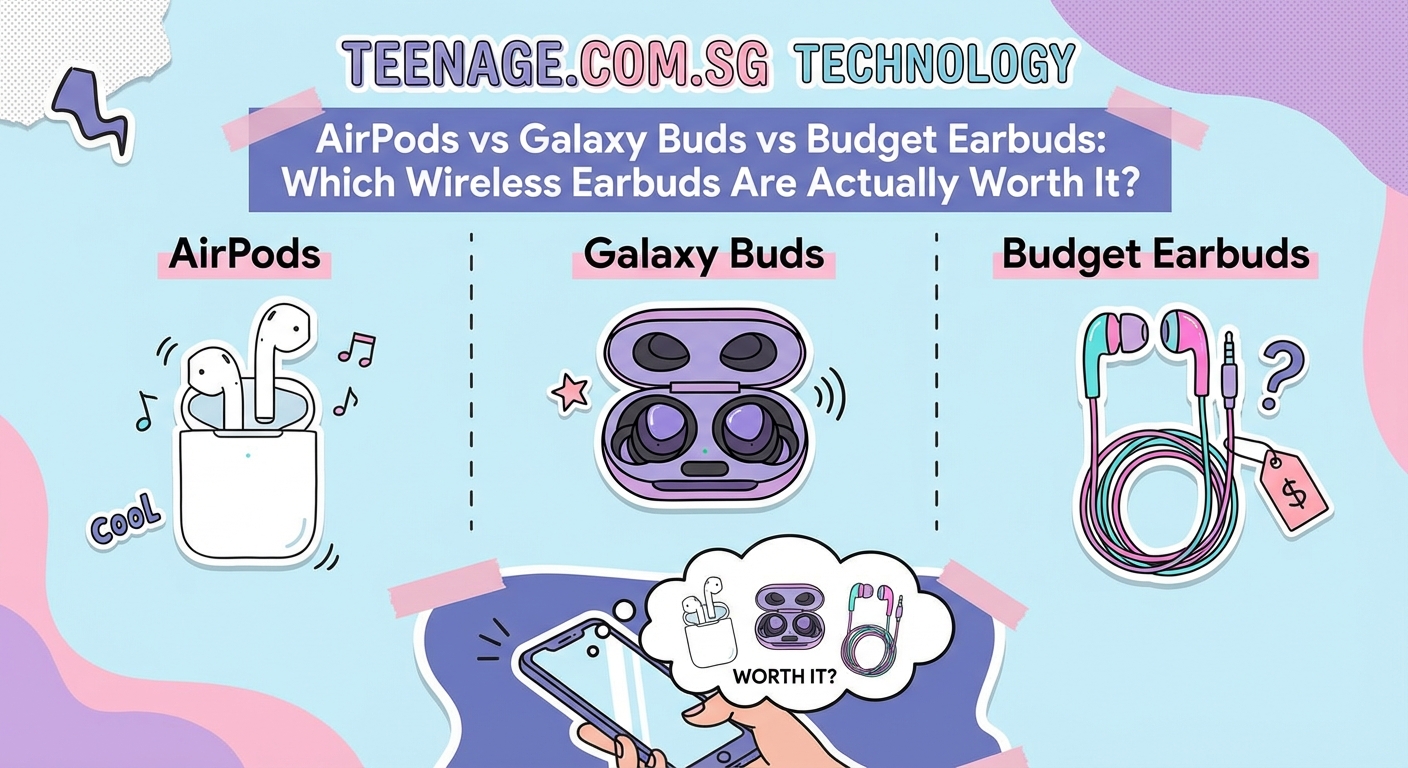
AirPods vs Galaxy Buds vs Budget Earbuds: Which Wireless Earbuds Are Actually Worth It?
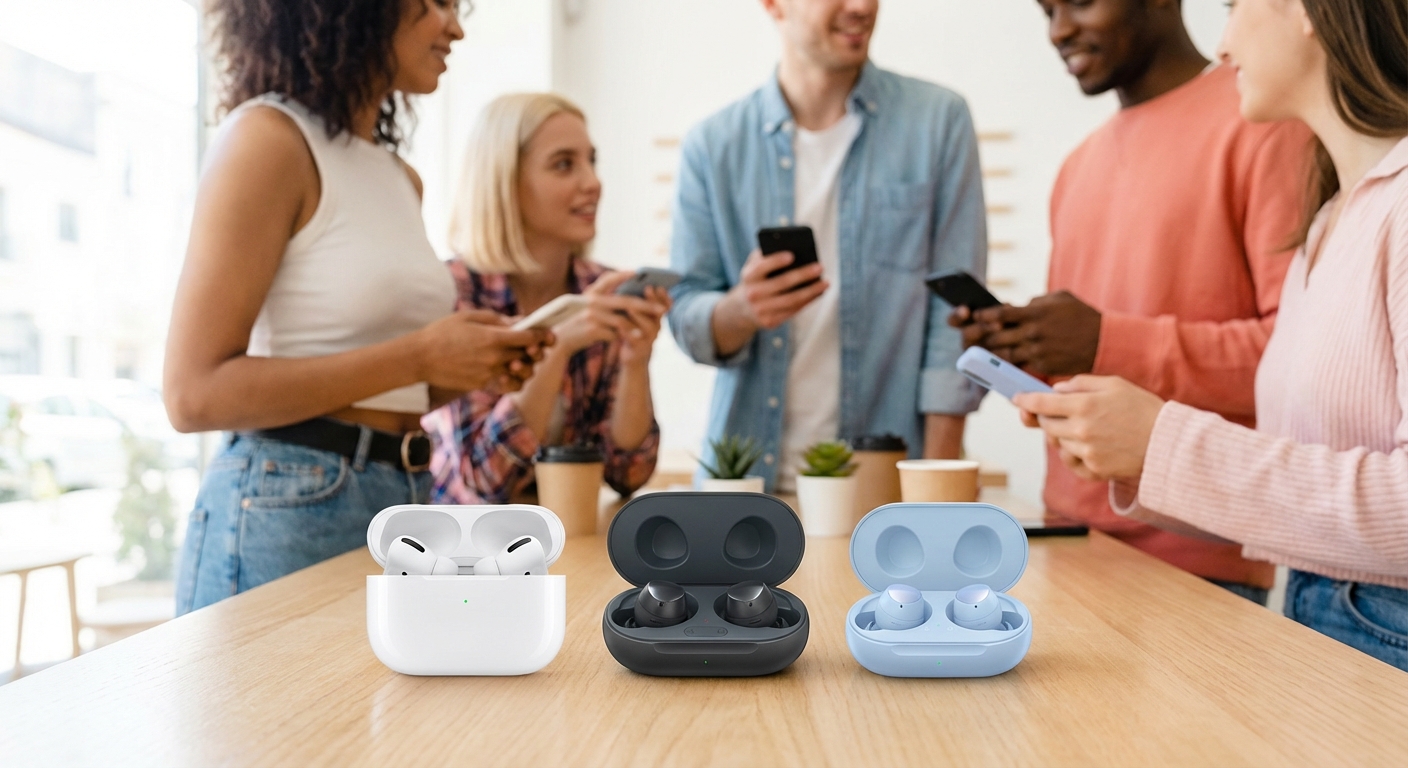
Shopping for wireless earbuds feels like walking into a minefield of marketing hype and confusing tech specs. You’ve got Apple fans swearing by their AirPods, Samsung users hyping Galaxy Buds, and then there’s a whole world of budget brands promising the same features for a fraction of the price. Which ones actually deserve your money?
Premium earbuds like AirPods and Galaxy Buds offer superior sound quality, seamless device integration, and longer battery life, but budget alternatives have closed the gap significantly. For students and teens, mid-range options around $50 to $80 often provide the best value, delivering 80% of premium performance at 30% of the cost. Your choice depends on your ecosystem, usage habits, and whether you prioritize features like active noise cancellation over basic functionality.
Understanding what actually matters in wireless earbuds
Before comparing specific models, you need to know what features impact your daily experience. Sound quality matters, but it’s subjective. What sounds amazing to your friend might sound flat to you.
Battery life becomes crucial when you’re commuting to campus or pulling all-nighters at the library. Most earbuds claim 5 to 8 hours per charge, but real-world usage often falls short. The charging case adds another 15 to 24 hours, which sounds great until you realize you forgot to charge the case overnight.
Connectivity stability separates good earbuds from frustrating ones. Cheap models often have signal drops when your phone is in your pocket or backpack. Premium brands invest heavily in Bluetooth chipsets that maintain solid connections.
Fit and comfort determine whether you’ll actually wear them. Earbuds that hurt after 30 minutes end up collecting dust in your drawer. Most brands include multiple ear tip sizes, but ear canal shapes vary wildly between people.
Active noise cancellation (ANC) has become a major selling point, but not everyone needs it. If you’re mainly listening at home or in quiet spaces, you’re paying extra for a feature you won’t use much.
Breaking down the premium options
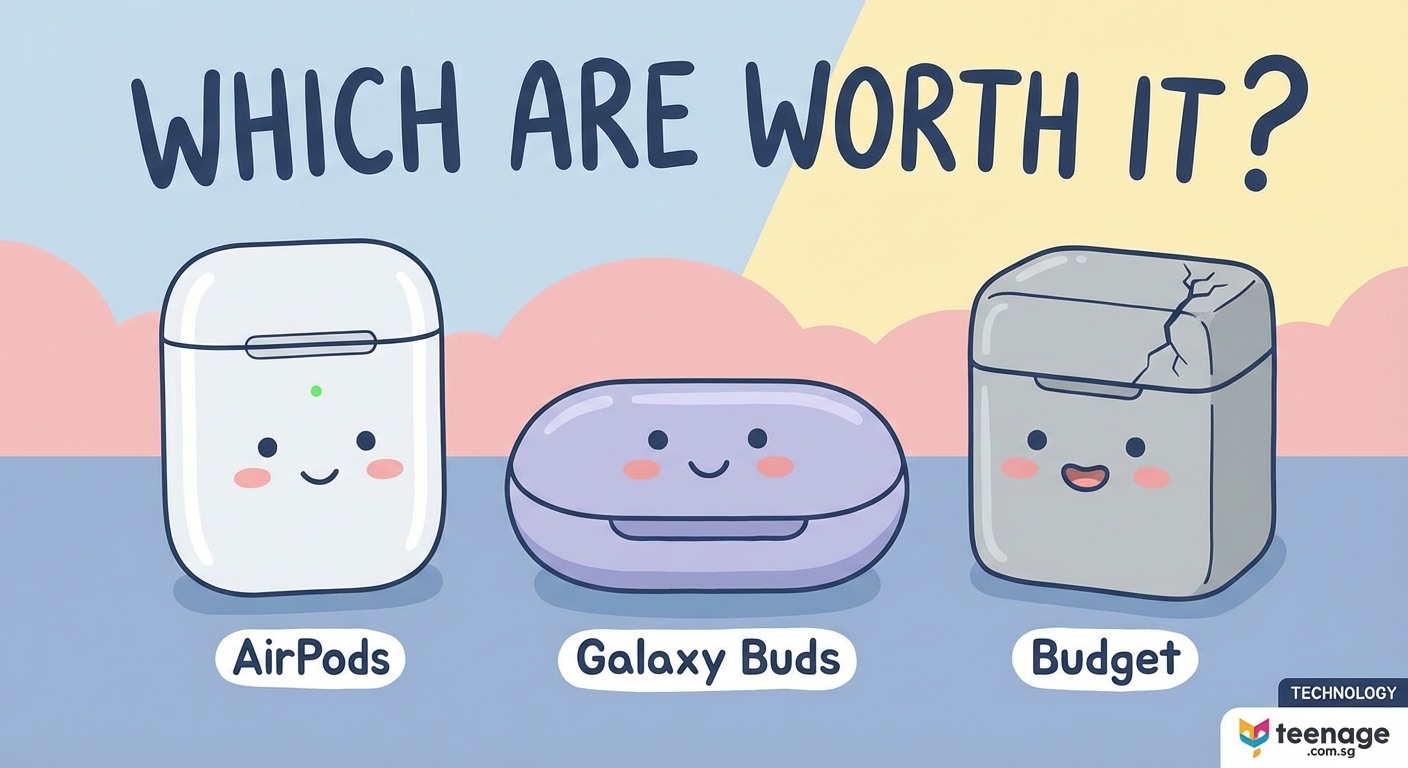
AirPods dominate the market for a reason. They work seamlessly with iPhones, automatically switching between your devices without manual pairing. The H1 chip provides instant connection the moment you open the case.
Sound quality on AirPods Pro (2nd generation) improved significantly over earlier models. Bass response feels fuller without overwhelming mids and highs. Spatial audio creates an immersive experience when watching movies or binging the latest shows everyone’s talking about.
The transparency mode lets you hear your surroundings without removing the earbuds. This matters when crossing streets or ordering coffee. Battery life hits about 6 hours with ANC on, which covers most daily activities.
Galaxy Buds2 Pro compete directly with AirPods but cost slightly less. They integrate beautifully with Samsung phones, offering similar automatic switching and enhanced features through the Galaxy Wearable app.
Sound quality leans slightly warmer than AirPods, which some people prefer for hip-hop and electronic music. The ANC performs comparably to Apple’s implementation, blocking out subway noise and classroom chatter effectively.
One advantage Galaxy Buds have is better customization through the app. You can adjust EQ settings, create custom sound profiles, and fine-tune touch controls. iPhone users lose some functionality, though they still work fine for basic listening.
Budget earbuds that don’t completely suck
The budget category has exploded with options ranging from $20 to $80. Quality varies dramatically, but several brands consistently deliver solid performance.
Soundcore by Anker produces reliable earbuds in the $40 to $70 range. Their Liberty series offers decent sound quality, acceptable battery life, and stable connections. They won’t impress audiophiles, but they handle podcasts, playlists, and video calls without major issues.
JLab makes popular budget options that frequently go on sale. Their models around $30 to $50 provide surprising value, though build quality feels cheaper than premium alternatives. Expect them to last 12 to 18 months with regular use.
Earfun and Soundpeats occupy the $30 to $60 space with respectable offerings. Sound quality can’t match premium brands, but for casual listening during your commute or workout sessions you’re trying to stick to, they perform adequately.
The main compromises with budget earbuds show up in:
- Connection stability drops when moving between rooms or walking around campus
- Battery life degrades faster, often losing 20% to 30% capacity within the first year
- Build quality feels plasticky, with charging cases that scratch easily
- Touch controls respond inconsistently, sometimes requiring multiple taps
- Water resistance ratings lower than premium models, making them riskier for gym use
How to choose based on your actual needs
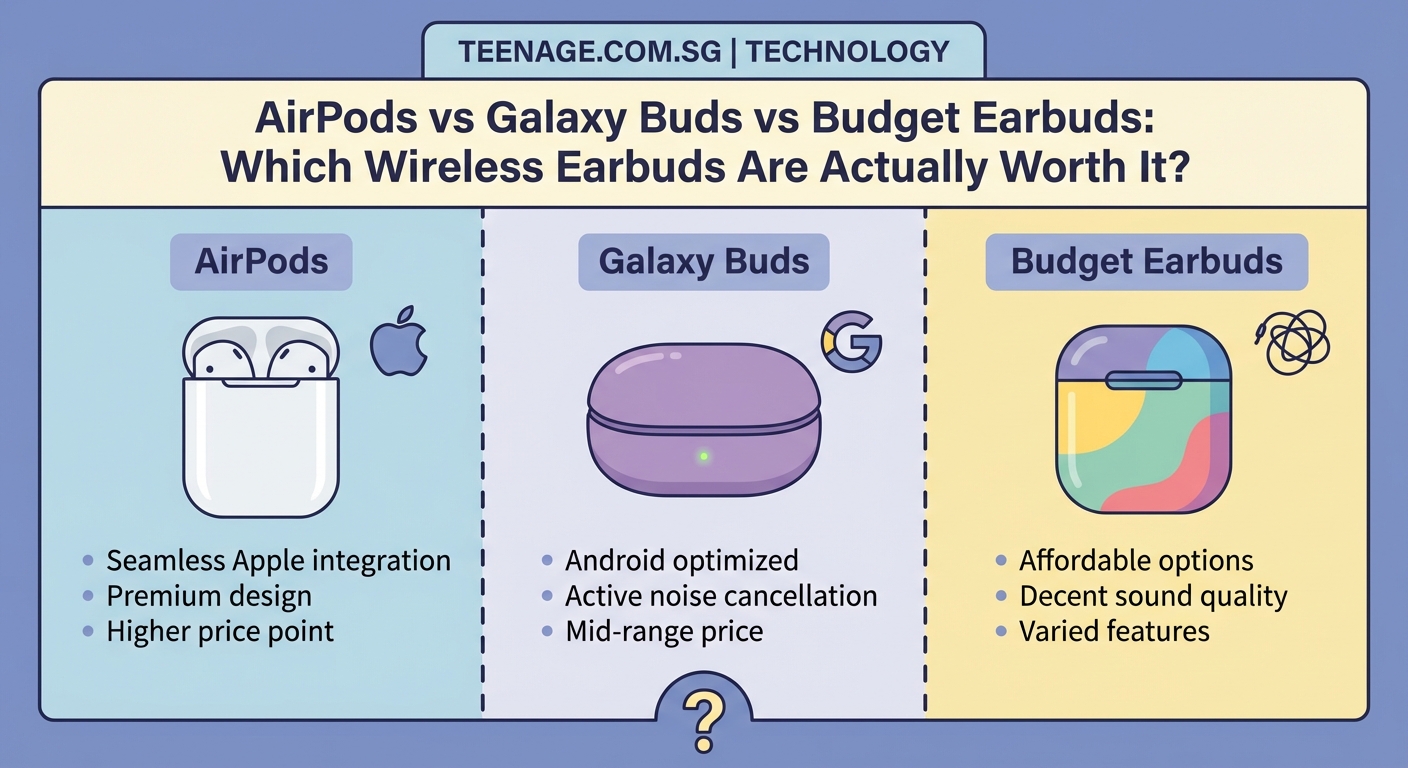
Your decision should start with your phone ecosystem. iPhone users benefit most from AirPods due to seamless integration. Android users, especially Samsung owners, get similar advantages with Galaxy Buds.
If you use multiple device types (iPhone and Windows laptop, Android phone and iPad), consider earbuds with multipoint connectivity. This feature lets you connect to two devices simultaneously, switching audio sources automatically.
Your primary use case matters more than you think. Students who mainly listen during study sessions need different features than someone commuting two hours daily.
For studying and focus work
ANC becomes valuable here, blocking out roommate noise and library distractions. Battery life should exceed 6 hours to cover long study sessions. Comfort matters since you’ll wear them for extended periods.
Premium options make sense if you study frequently in noisy environments. Budget alternatives work fine in quieter spaces like your dorm room.
For commuting and travel
Durability and battery life take priority. Your earbuds will get jostled in bags, exposed to weather, and used heavily. Water resistance (IPX4 minimum) protects against rain and sweat.
ANC helps on buses, trains, and planes. Transparency mode keeps you aware of announcements and traffic. Mid-range options ($60 to $100) often provide the best balance here.
For workouts and sports
Fit becomes critical since earbuds that fall out mid-run are useless. Look for models with ear hooks or wings for extra stability. Water resistance should be IPX5 or higher to handle heavy sweating.
Sound quality matters less during workouts. Budget options around $40 to $60 often suffice, saving money while delivering adequate performance for gym sessions.
For calls and video meetings
Microphone quality varies wildly between models. Premium earbuds include multiple microphones with noise reduction algorithms that filter out background sounds.
Budget models often have terrible call quality, making your voice sound distant or muffled. If you take frequent calls for group projects or remote work, invest in better microphones.
Real cost of ownership beyond the price tag
The sticker price doesn’t tell the whole story. Premium earbuds typically last 3 to 5 years with proper care. Budget models often need replacing after 12 to 24 months due to battery degradation or physical damage.
| Price Range | Expected Lifespan | Cost Per Year | Replacement Frequency |
|---|---|---|---|
| $20 to $40 | 12 to 18 months | $20 to $40 | Every 1 to 1.5 years |
| $50 to $80 | 18 to 30 months | $20 to $53 | Every 1.5 to 2.5 years |
| $100 to $150 | 24 to 36 months | $33 to $75 | Every 2 to 3 years |
| $200 to $250 | 36 to 60 months | $40 to $83 | Every 3 to 5 years |
Budget earbuds seem cheaper initially, but frequent replacements add up. A $40 pair replaced annually costs $120 over three years, while $150 earbuds lasting three years cost the same.
Warranty coverage varies significantly. Apple offers one year standard, extendable to two years with AppleCare+. Samsung provides similar coverage. Budget brands often have limited warranties that exclude battery degradation.
Testing earbuds before you buy
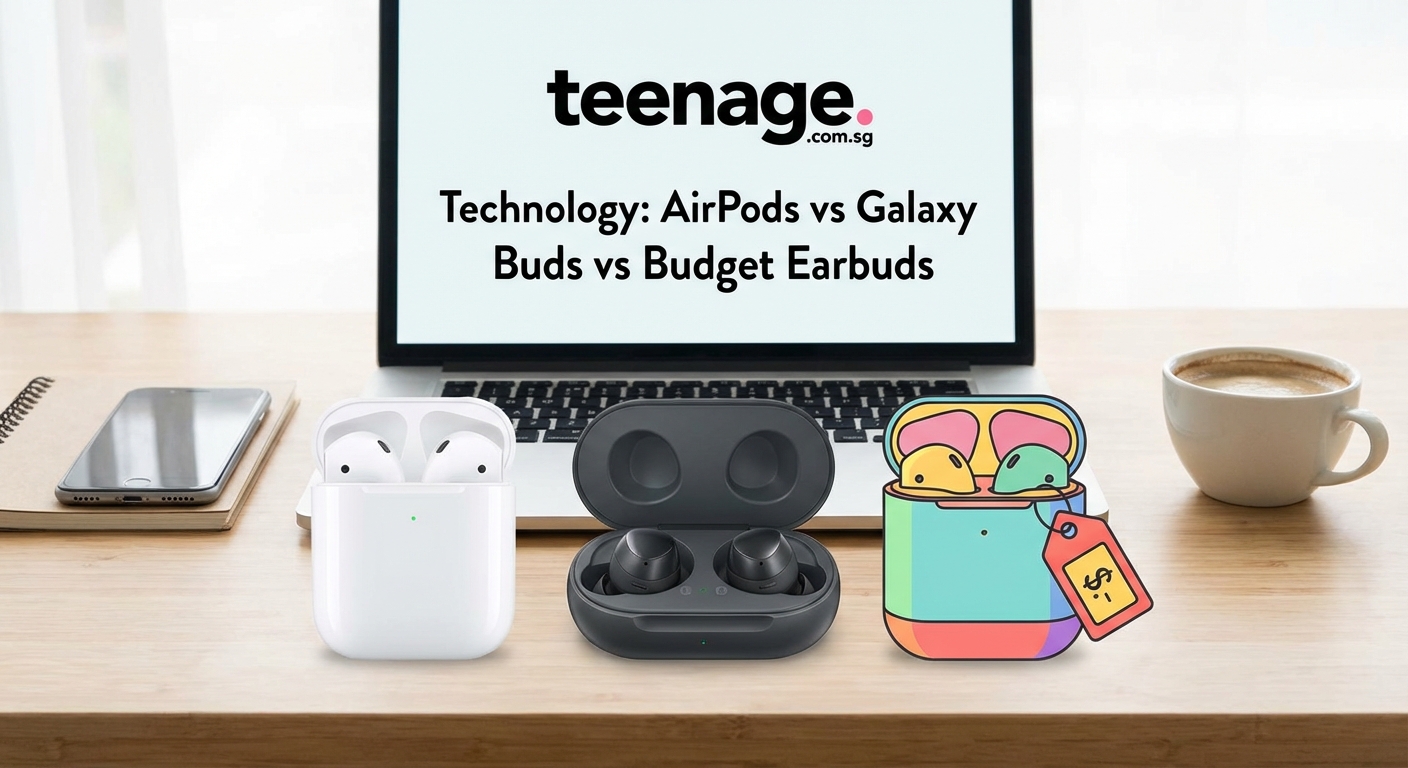
Online reviews help, but personal testing matters more. Everyone’s ears are different, and what sounds great to reviewers might not work for you.
Most electronics stores let you test display models. Bring your phone, connect the earbuds, and play familiar songs. Pay attention to:
- How quickly they pair with your device
- Whether the fit feels comfortable immediately
- If bass sounds muddy or clear
- How vocals sit in the mix
- Whether high frequencies sound harsh
Test the touch controls by skipping tracks, adjusting volume, and activating your voice assistant. Some implementations feel intuitive while others require memorizing complex tap patterns.
Try talking with them in. Say a few sentences out loud to check if they create that plugged-ear effect where your voice sounds weird inside your head. Good earbuds minimize this sensation.
Walk around the store while playing music. Connection should remain stable as you move away from your phone. Budget models sometimes cut out at distances where premium options stay connected.
Common mistakes people make when comparing
Focusing solely on technical specs leads to poor decisions. A model with impressive numbers on paper might sound worse than one with modest specifications.
Ignoring comfort costs you later. Earbuds that hurt after an hour become unusable regardless of sound quality. Always prioritize fit, especially if you plan to wear them for extended periods.
Buying the cheapest option usually backfires. The $15 earbuds on sale rarely deliver acceptable quality. Spending at least $30 to $40 gets you into territory where products become usable.
Overpaying for features you won’t use wastes money. ANC adds $50 to $100 to the price. If you mainly listen in quiet environments, that money could go toward better sound quality or longer battery life instead.
Overlooking return policies creates problems. Buy from retailers with generous return windows so you can test earbuds in real-world conditions. Amazon, Best Buy, and Apple allow returns within 14 to 30 days.
Brand loyalty blinds people to better alternatives. Just because you love your iPhone doesn’t mean AirPods are automatically the best choice. Samsung users might find better value in alternatives that still work perfectly with their phones.
The best earbuds are the ones you actually wear. Comfort, convenience, and reliability matter more than having the absolute best sound quality or the longest feature list. Choose based on your real usage patterns, not aspirational ones.
Sweet spot recommendations by budget
For students and teens watching their spending, certain price points offer the best value in the current market.
Under $50: Look at Soundcore Life P3, JLab Go Air Pop, or Earfun Air. These deliver acceptable sound quality for casual listening and cost little enough that losing or breaking them won’t devastate your budget. Perfect for late night study sessions or background music while working.
$50 to $100: This range offers the best value overall. Consider Nothing Ear (a), Soundcore Liberty 4 NC, or Samsung Galaxy Buds FE. You get decent ANC, solid battery life, and respectable sound quality. These handle most use cases well without breaking the bank.
$100 to $200: Premium performance starts here. Google Pixel Buds Pro, Sony WF-1000XM5, and Galaxy Buds2 Pro compete with AirPods Pro while sometimes costing less. Sound quality, ANC, and build quality all improve noticeably.
$200+: AirPods Pro (2nd gen) dominate this tier for iPhone users. Android users should consider Sony’s flagship models or stick with Galaxy Buds2 Pro at a lower price point. The improvements over $150 models are incremental rather than transformative.
Making your final decision
Start by setting a realistic budget based on how much you’ll use the earbuds. Daily users should invest more since cost per use drops significantly. Occasional listeners can stick with budget options.
List your must-have features versus nice-to-haves. ANC, water resistance, and battery life might be essential, while wireless charging and custom EQ could be optional.
Read recent reviews from multiple sources. Technology improves rapidly, so reviews older than six months might not reflect current competition. YouTube reviewers often provide sound comparisons that help you hear differences.
Check for sales and student discounts. Apple, Samsung, and major retailers offer education pricing that can save 10% to 20%. Black Friday, back-to-school season, and new model launches trigger price drops on older versions.
Consider buying previous generation models. When AirPods Pro 2 launched, the original Pro dropped to $150 or less. You get 90% of the performance at 60% of the cost.
Factor in your existing accessories and tech setup. If you already have a wireless charging pad, earbuds supporting that feature add convenience without extra cost.
Features that sound cool but rarely get used
Marketing teams love promoting features that look impressive in ads but provide little real-world value for most users.
Spatial audio creates a surround sound effect that works well for movies but adds little to music listening. Most people can’t tell the difference with typical streaming quality audio.
Custom EQ through apps sounds useful until you realize most people never adjust it. Default tuning usually works fine, and endless tweaking rarely makes music sound better.
Find my earbud features help locate lost cases but don’t work if the battery died. You’ll spend more time maintaining the app than you’ll save finding misplaced earbuds.
Wireless charging adds convenience if you already have charging pads everywhere. Otherwise, plugging in a USB-C cable takes three seconds and costs nothing extra.
Gaming mode reduces latency for mobile games, but the improvement is barely noticeable for casual players. Serious mobile gamers already use wired headphones for tournaments.
When premium actually makes sense
Some situations justify spending $200+ on earbuds despite budget alternatives existing.
You travel frequently and need reliable ANC for flights and hotels. Cheap ANC performs poorly, letting through engine noise and conversations. Premium models create actual silence.
You take constant calls for work or side hustles. Clear microphone quality prevents miscommunication and sounds more professional. Job interviews and client calls deserve better audio than budget earbuds provide.
You’re deeply invested in one ecosystem with multiple devices. AirPods switching seamlessly between your iPhone, iPad, Mac, and Apple Watch provides convenience worth paying for.
You keep devices for years and want something that lasts. Premium build quality and longer software support mean your earbuds stay functional and receive updates for 4 to 5 years.
You’re an audio enthusiast who notices quality differences. If you can hear the distinction between 256kbps and lossless audio, premium earbuds let you appreciate better encoding.
The verdict on what’s actually worth buying
For most teens and students, the sweet spot sits between $50 and $100. You get solid performance without overpaying for marginal improvements.
iPhone users on tight budgets should consider AirPods (3rd generation) around $150 when on sale. The integration with iOS makes daily use smoother than any alternative. If that’s too expensive, Soundcore Liberty 4 NC at $80 to $90 delivers impressive performance.
Android users have more flexibility. Galaxy Buds FE provide excellent value around $80, especially for Samsung phone owners. Nothing Ear (a) offers unique design and good sound for similar money.
Budget shoppers should stick with established brands like Soundcore, JLab, or Earfun. Avoid no-name brands on Amazon with suspicious five-star reviews and zero brand presence.
Premium buyers choosing between AirPods Pro and Galaxy Buds2 Pro should follow their phone ecosystem. Both perform excellently, and the integration benefits outweigh small sound quality differences.
Finding earbuds that fit your life
Choosing wireless earbuds doesn’t need to be complicated. Start with your budget, consider your primary use cases, and test options before committing. The best wireless earbuds comparison reveals that mid-range options deliver incredible value, premium models justify their cost for specific users, and ultra-budget picks work fine for casual listening.
Your perfect earbuds match your actual needs rather than chasing every feature. Whether you’re grinding through study sessions, commuting to campus, or just enjoying music between classes, the right pair exists at a price you can afford. Take your time, test what you can, and remember that you can always upgrade later if your needs change.













Post Comment